




Practical user guide
The CARE MAP of the Women’s Institute is a multilingual site, so you can access its contents in Spanish, Basque, Catalan, Valencian, Galician, English and French. To change the display language, just click on the language selector
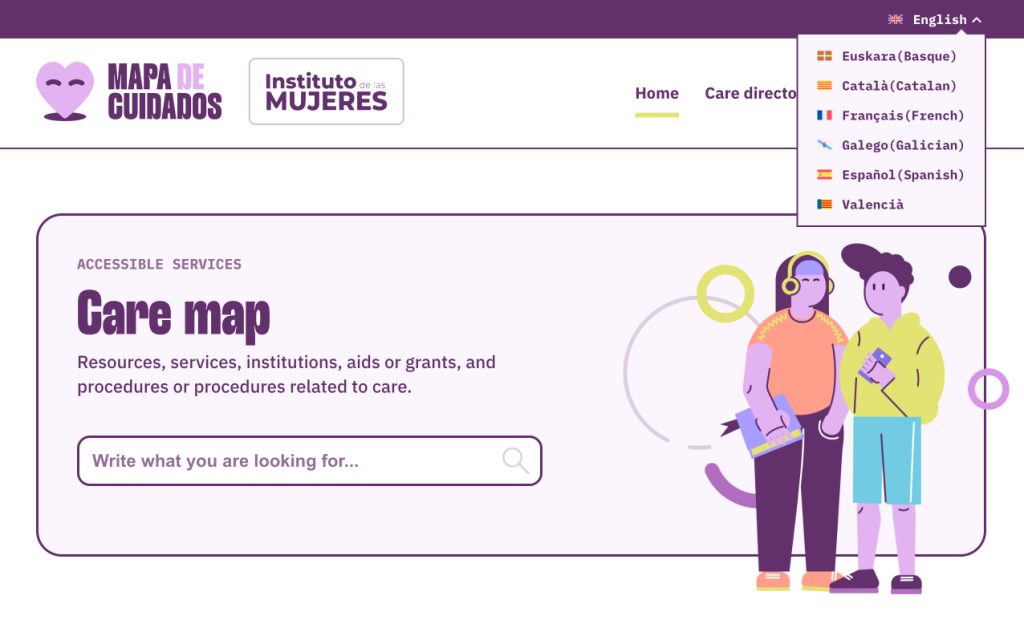
The Map of Care has a general search engine on its home page from which you can locate the resources you are looking for within its directory

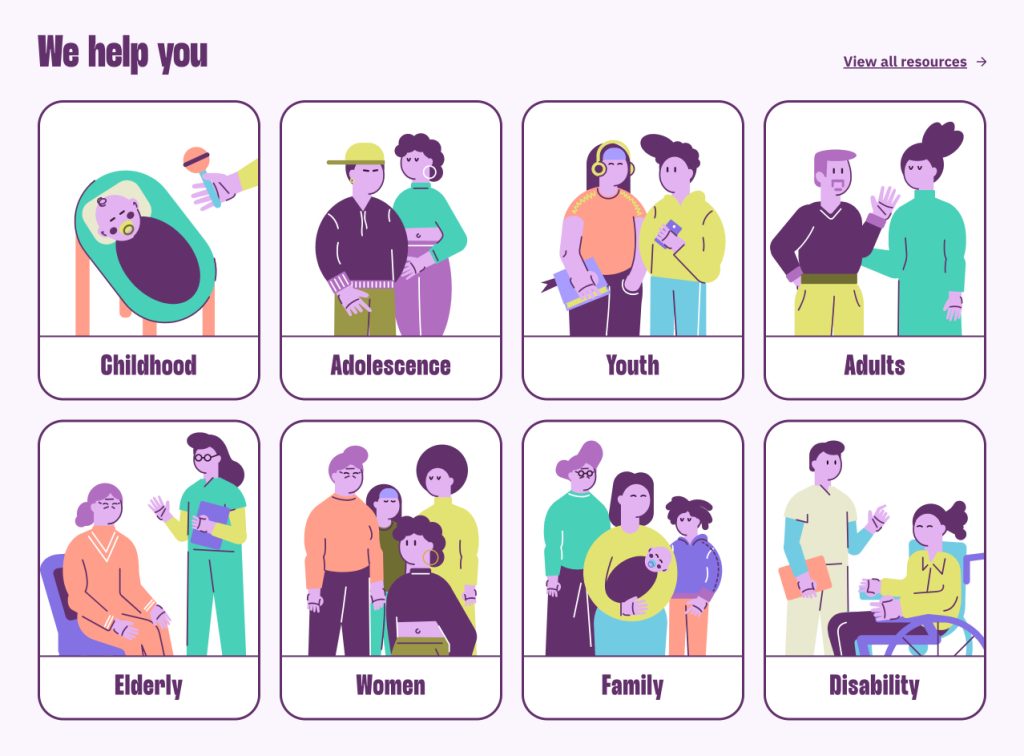
On its home page, the Care Map has shortcuts to filtered searches on the main topics of interest (childhood, adolescence, youth, adults, seniors, women, family and disability)
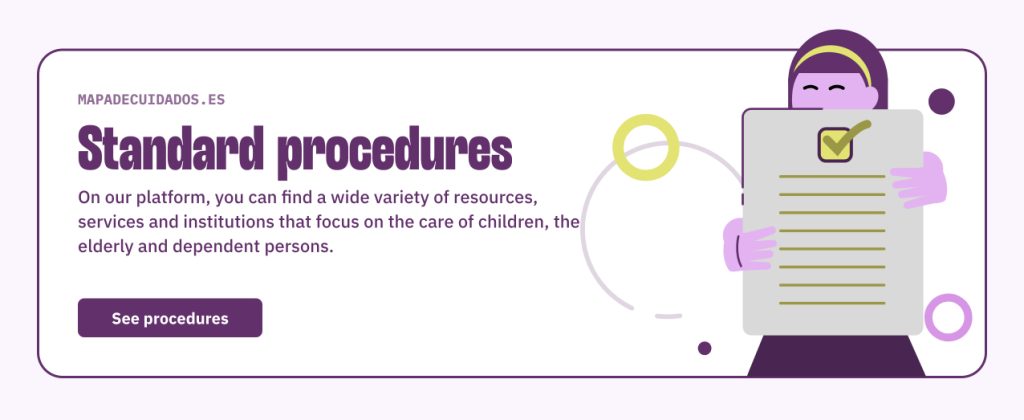
It also has a shortcut to a search filtered by content type “Procedures”
On the “Care directory” page there is a text search field that will be very useful whether you know exactly what you are looking for or you prefer to search using keywords
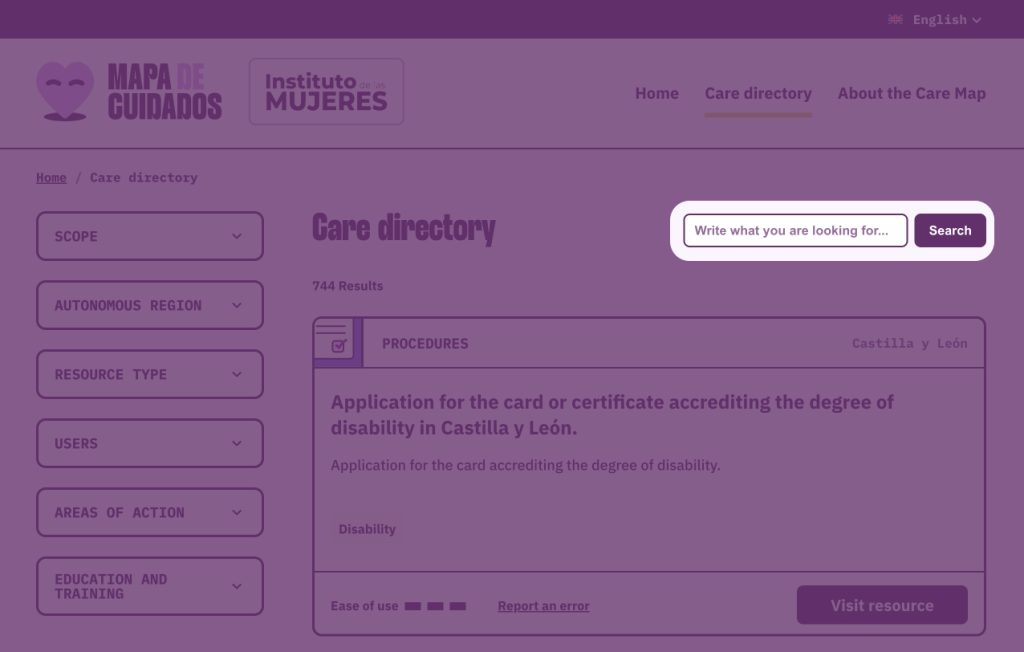
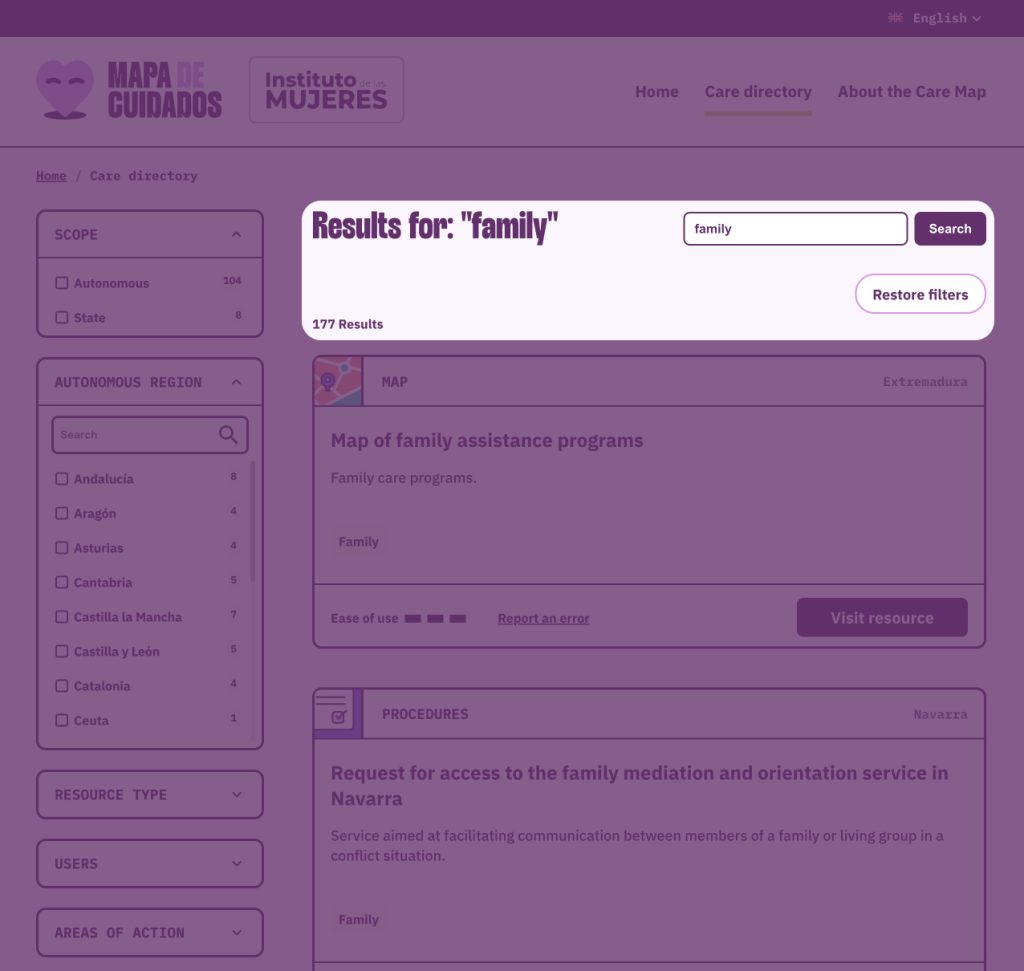
After entering the text and pressing the search button, the results will be updated
In addition, in the left-hand column you have some filters to refine your searches even further
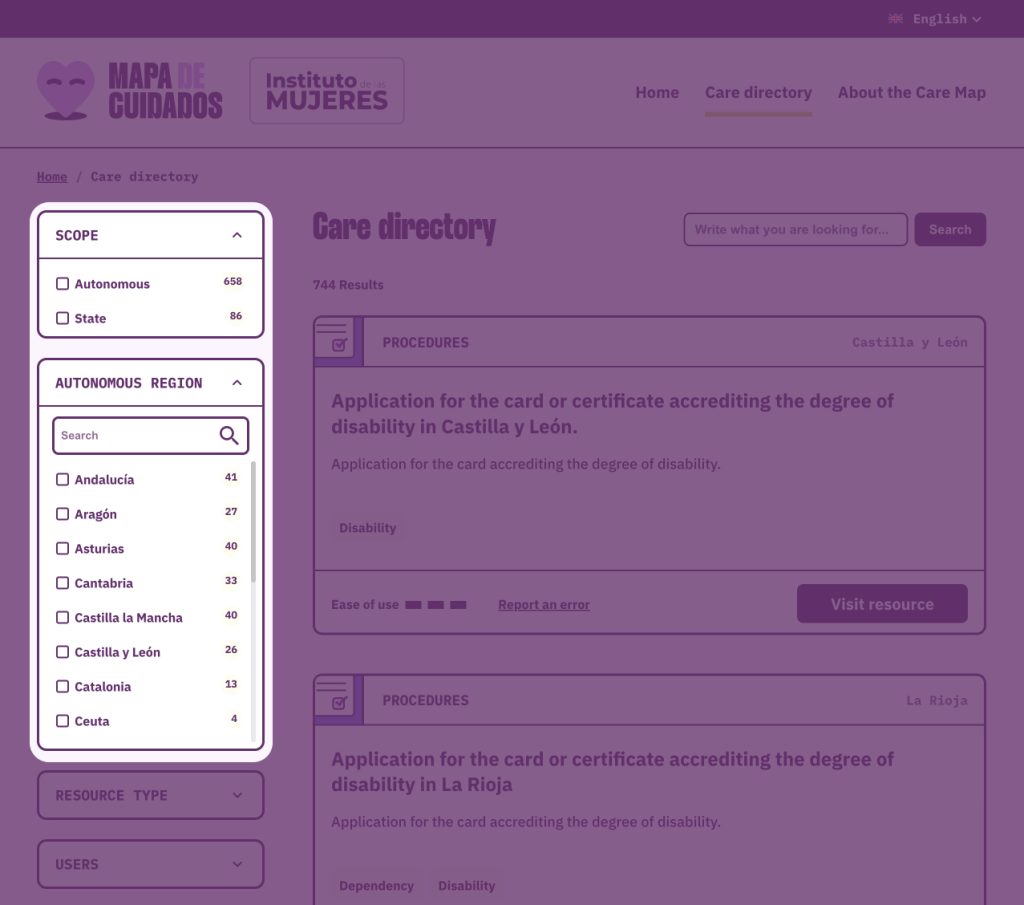
Checking boxes in the filter column will automatically update the results

To clear all filters and clean the text search box and the selected boxes of the filter column, select the “Reset filters” button. The filters in the filter column can be removed individually by ticking the corresponding checkbox